
Browse & Request Songs
Explore music and submit your must-play choices, including your first dance and other special songs. Your DJ reviews requests and uses professional judgment during the event.
Already booked your wedding DJ? Your private Client Planning Centre brings reception timelines, music requests, wedding forms and booking information together in one place. Here is how to get started.
Planning access is included at no extra charge once your agreement and required deposit are confirmed.Your client login details are provided for your booking.
These tools are included with your confirmed wedding DJ booking. Use the sections available for your event, save your choices and return as your plans develop.
Explore music and submit your must-play choices, including your first dance and other special songs. Your DJ reviews requests and uses professional judgment during the event.
Enter approximate times for introductions, dinner, speeches, special dances and other moments. Adjust the order as your wedding schedule takes shape.
Provide venue information, wedding-party names, pronunciation notes, contacts and entertainment instructions so your DJ can prepare accurately.
Use your account to review the event details and available booking information. When online payment access is enabled, you can also use the portal's Payment section.
You do not need to complete everything at once. Here is the practical order, from requesting your date to sharing the information your DJ needs.
Start in our booking centre to check availability and explore wedding package pricing. We review the details before accepting your booking.
Your wedding date is confirmed when your electronic agreement is accepted and the required 25% deposit is received. Planning-centre access is included with the confirmed booking.
Use the login details sent for your event to open the Client Planning Centre. Select the timeline, music and planning forms available for your booking.
Return to your forms and music selections as plans change. Before the wedding, we review the schedule, important announcements and venue requirements together.
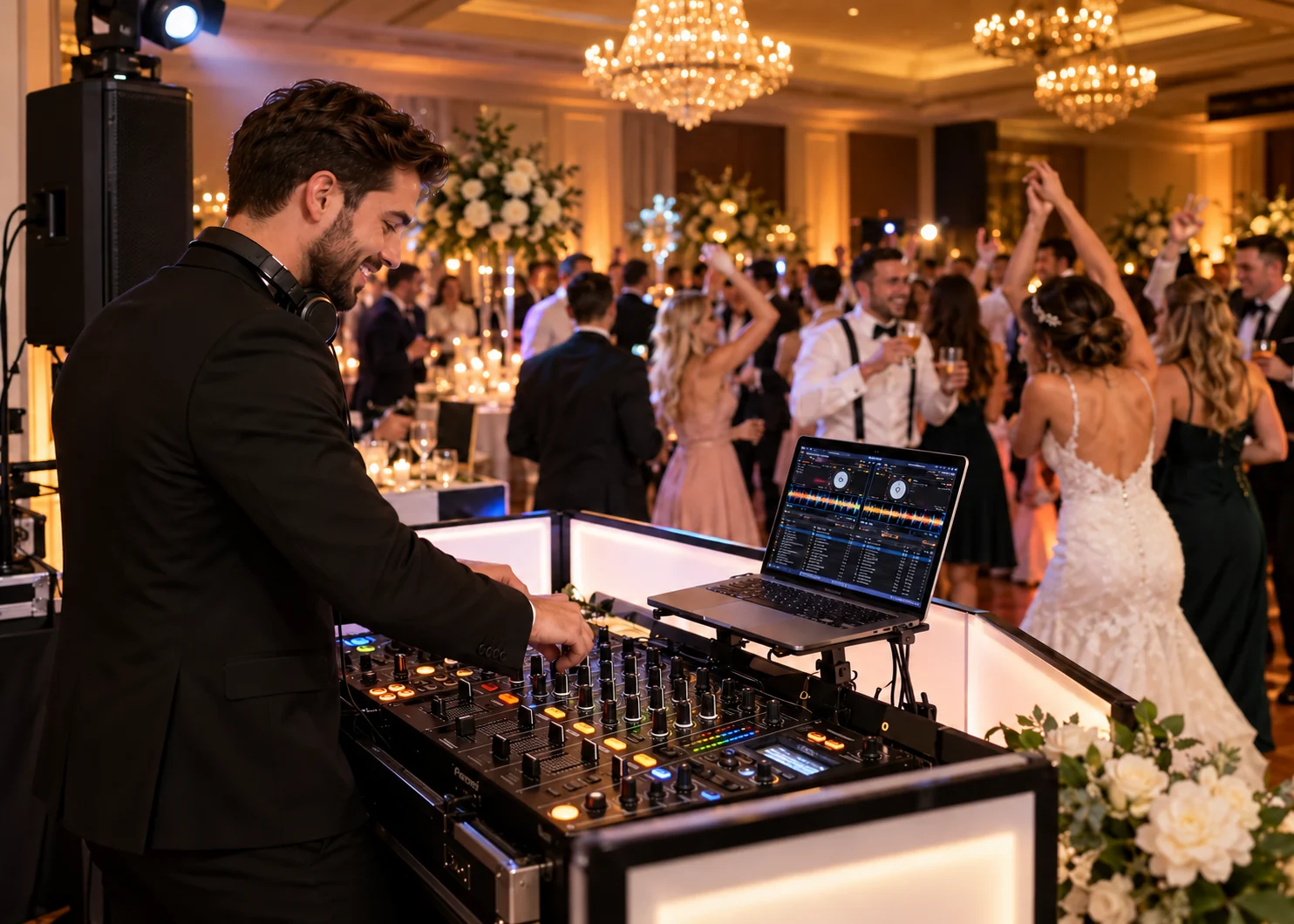
Once you log in, start with the information that affects the day's flow. Your selections can be refined later, so there is no need to have every song decided immediately.
If you have ceremony audio included in your agreement, complete the relevant ceremony details too. Not every tool applies to every package.
Open Your Planning CentreYour planning centre is there to make preparation easier, not create extra homework. Start with the essentials, update details as they become available and review the final plan with us.
Start with entrances, special dances and the announcements that need accurate names or precise timing.
Add favourite songs, music styles and do-not-play selections. Leave the rest of the evening to your DJ.
Share venue access arrangements, scheduled finish times and any noise or teardown restrictions.
Return to your planning details as the wedding takes shape, then review the final arrangements with your DJ before the event.
Access is provided after your electronic agreement has been accepted and the required booking deposit received. We send the login information for your event. If you are confirmed but cannot log in, contact us.
Yes. You can provide selections for major reception moments, along with general dance-floor preferences and songs to avoid.
No. Share as much or as little detail as you like. Your DJ can handle the broader music flow while respecting the preferences and restrictions you've communicated.
Requests are welcome when appropriate. Your DJ makes the final selection based on your event preferences, the venue, suitability and the available music.
Yes, when payment access is enabled for your booking, the authenticated portal includes a Payment section. Contact us if your amount or payment options need clarification.
Not automatically. Reception-only and ceremony-plus-reception services are separate packages. Your agreement and accepted quote define the services included in your booking.
More answers are available on our Frequently Asked Questions page.
We support wedding receptions and eligible ceremony-and-reception bookings throughout Central Alberta. Final pricing depends on your date, venue, travel and selected services.
Compare our entertainment options and learn how lighting, karaoke and private-event services fit different occasions.
Already confirmed? Sign in to your private planning centre and begin with your timeline, music and event forms. Not yet booked? Start by checking your date and package options.
Planning tools are included with confirmed wedding DJ bookings at no extra charge.If you need help accessing your account, contact us.